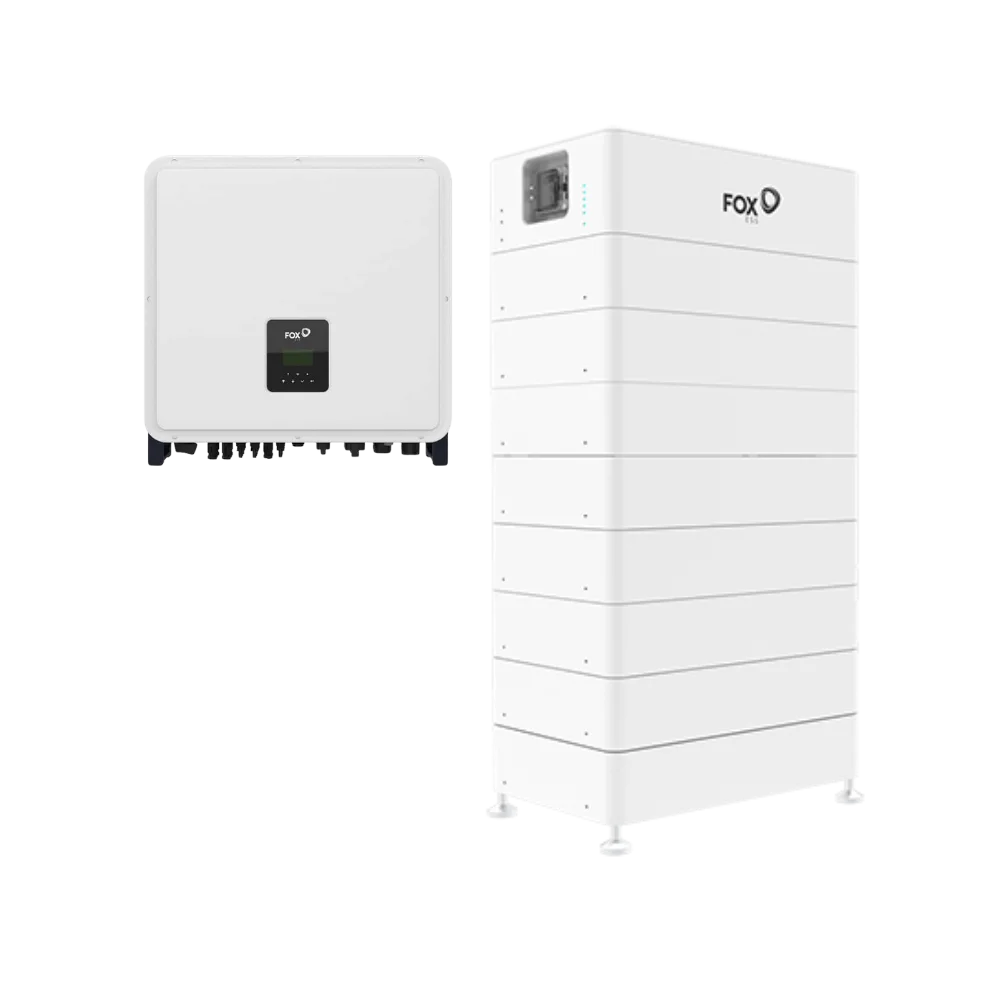
Fox ESS
1. Stop the inverter
Settings, select Start / Stop, and set it to Stop (or press and hold enter on some models).
2. Isolate the DC side
Turn off the PV/DC isolator switch located on the bottom left or underside of the inverter.
3. Isolate the AC side
Turn off the AC isolator switch on the wall next to the inverter or flip the solar supply circuit breaker in your consumer unit/switchboard.
4. Power down the batteries
Press and hold the circular power button on the battery management system (BMS) / master battery, then flip the battery DC circuit breaker/switch to the OFF position
5. Wait
Allow the system to sit completely blank and unpowered for at least 30 to 60 seconds (up to 5–10 minutes if clearing a stubborn fault).
Restart Procedure
1. Turn on the battery circuit breaker
Flip the battery system DC circuit breaker back to the ON position.
2. Activate the battery power
Press and release (or press and hold) the circular power button on the BMS until it engages and the status LEDs light up.
3. Turn on the AC side
Switch the AC isolator back on or re-energise the solar supply circuit breaker in the main switchboard
4. Turn on the DC side
Switch the AC isolator back on or re-energise the solar supply circuit breaker in the main switchboard
5. Wait for self-check
The inverter will enter a startup self-check mode and count down from 30 to 60 seconds before normal operation resumes.