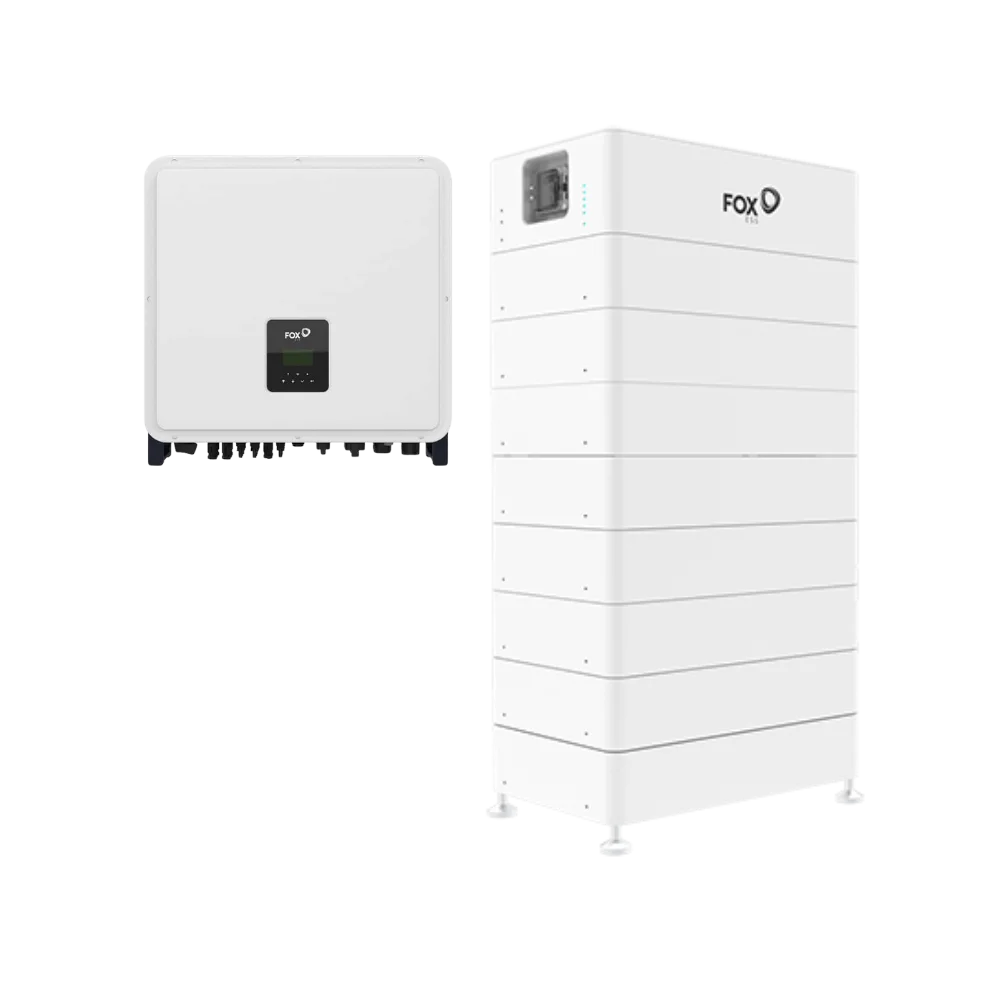
Fox ESS
Preparation Steps
- Stand close to your inverter.
- Make sure your home network is operating on a 2.4 GHz frequency (Fox ESS dongles do not connect to 5 GHz networks).
- If your Wi-Fi stick is unresponsive, try power-cycling it: unscrew the collar at the top of the dongle, pull it down to unplug it, wait 15 seconds, plug it back in, and tighten the collar.
Reconnection Process via App
- FoxCloud App on your smartphone.
- Tap “Me” in the bottom right corner.
- Select “WLAN Configuration”.
- Allow the app to search for nearby hardware, or manually scan the QR code / Serial Number (SN) located on your Wi-Fi dongle.
- Select your home 2.4 GHz Wi-Fi network from the list and enter your home network password.
- Hit Next to send the configuration details to the inverter.
Alternative Web Browser Method (If App Fails)
- W-, followed by the serial number characters).
- Use the default password mtmt2020 (all lowercase) to join the dongle network.
- Open a web browser on your phone and type 192.168.1.1 into the address bar (log in with password 12345678 if prompted).
- Select your home 2.4 GHz Wi-Fi SSID, input your password, and save to reboot the module.