Before You Start
- Power off the whole system before any maintenance. It carries high voltage while running.
- Only trained, licensed people should open any covers or touch wiring. A customer should only operate the isolators and breakers.
- Nothing is lost by shutting down. The system simply stops generating and supplying backup until it’s switched back on.
Shutdown
1. Turn off the inverter’s AC isolator or breaker (the labelled switch near the inverter).
2. Turn off the inverter’s DC isolator.
3. Turn off the inverter in the SolarGo app or at the inverter, as its manual specifies.
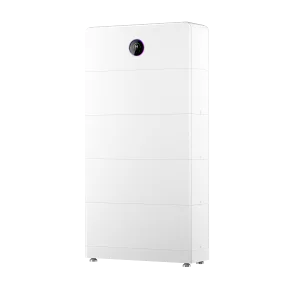
4. Switch off the battery using one of two methods:
- Long-press the battery’s multifunction button for more than 15 seconds.
- Disconnect the battery’s air switch.
5. Confirm the battery’s SOC indicator and multifunction button indicator are both off.
6. If a separate breaker sits between the inverter and the battery, turn it off. It must isolate both the positive and negative conductors at the same time.
Restart
1. (Optional) Turn on the breaker between the inverter and battery.
2. Turn on the battery’s air switch. If the battery was shut down with the button, push the air switch to restart it.
3. Turn on the inverter’s DC isolator.
4. Turn on the inverter’s AC isolator or breaker.
5. In SolarGo, confirm the battery model is selected. A wrong model shows “Battery Communication Failure.”
6. Check that the inverter has started and that the app shows live data.