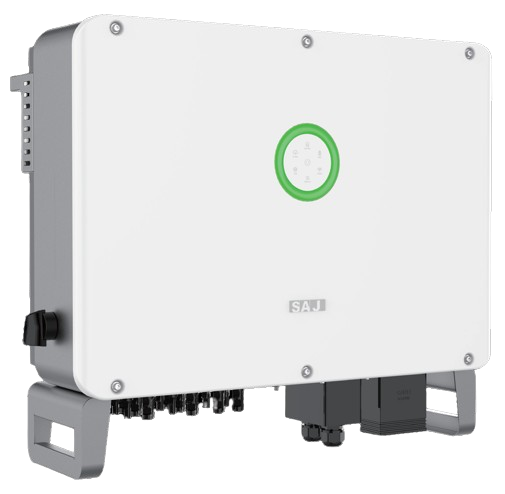
SAJ WiFi Reconnect
SAJ Inverter
Before you start
- Check that your home WiFi is working by connecting another device to the network.
- Ensure the inverter is switched on and that the OLED display on the WiFi module is illuminated (refer to the LED/display guide below).
- Move close to the inverter, ideally within a couple of metres, as the WiFi hotspot only has a limited signal range.
- Turn off mobile data on your phone before starting the setup. This helps prevent your phone from automatically switching to the mobile network, which can interrupt the WiFi configuration process.
Reconnection steps using the eKeeper app
1. Launching the App
- Launch the eKeeper app on your phone and log in to your account.
- From the plant dashboard, open the settings or device section, then choose the relevant communication module. It may appear as Datalogger or be identified by its serial number, such as DTU:XXXXX.
- Select WiFi Configuration or Reconnect WiFi. The wording may vary slightly depending on the version of the app.
2. Connect the WiFi Module to Your Home Network
- The app will now display the WiFi Configuration screen, along with a list of available wireless networks.
- Choose your home 2.4 GHz WiFi network from the list. If you can’t see it, tap Refresh or enter the network name (SSID) manually.
- Enter your WiFi password carefully, remembering that passwords are case-sensitive.
- Leave DHCP switched ON (default setting). This allows your router to automatically assign an IP address to the inverter.
- Tap Save Configuration to apply the settings and connect the inverter to your WiFi network.
3. Confirm the WiFi Connection